Blog · Pricing basics
The Small Pricing Mistake That's Costing You Thousands a Year
Published August 29, 2026 · 6 min read
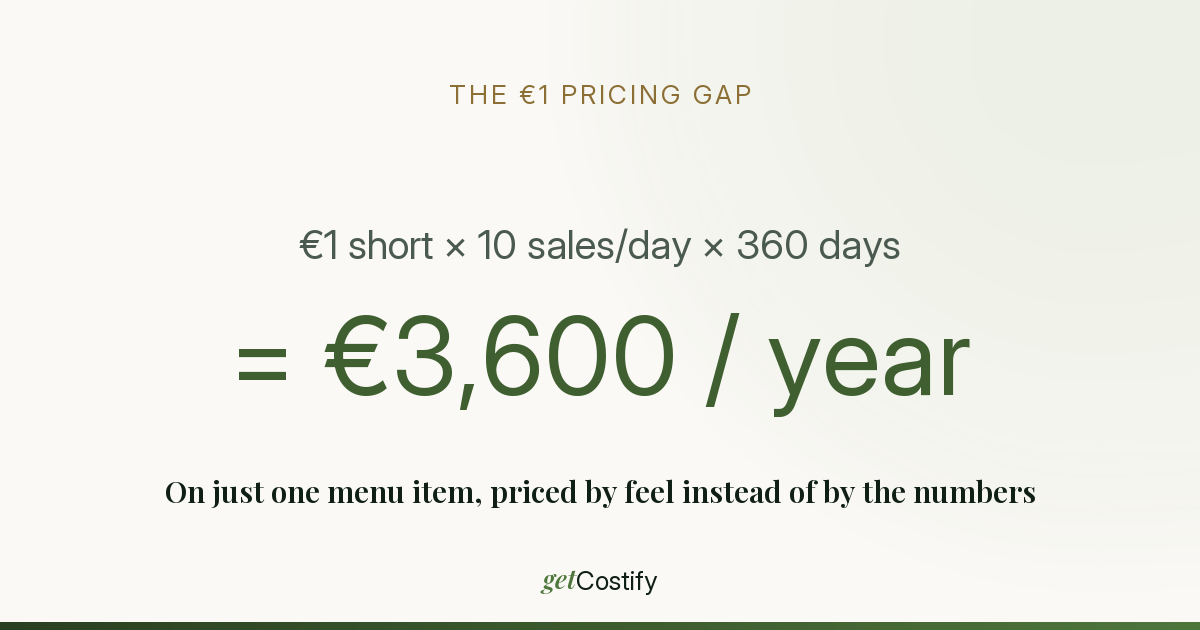
Most menus aren't priced wrong by a lot. They're priced wrong by a euro — sometimes less — on item after item, and that's exactly why nobody notices.
Pricing "by feel" or "whatever the place next door charges" usually lands close to the right number, not far from it. The problem is that close isn't the same as correct, and the gap between the two compounds every single day the item stays on the menu.
A gap that looks too small to matter
Take a coffee drink or a signature pastry — something you sell every day:
- Ingredient cost: €1.10
- Current selling price: €4.50
((€4.50 − €1.10) ÷ €4.50) × 100
= 75.5% margin
75.5% sounds fine — it's in the healthy range for beverages and bakery items (see the food cost benchmark table if you want the full range by category). But say this category's target is 80% margin, which is a common target for coffee and beverage programs. What price actually hits 80%?
Target price = Cost ÷ (1 − Target margin) = €1.10 ÷ (1 − 0.80)
= €5.50
Not €4.50. €5.50. A €1.00 gap — about the price of nothing, in the moment a customer pays.
What €1.00 actually costs over a year
Ten sales a day of this one item is a modest, realistic number for a single popular menu line:
| Period | Sales | Money left on the table |
|---|---|---|
| Per day | 10 | €10 |
| Per month | 300 | €300 |
| Per year | 3,600 | €3,600 |
That's one item. A real menu has 20, 30, sometimes 50 lines — and this exact gap, in one direction or another, exists on most of them, because most menus were priced once, by feel, and rarely revisited against actual current ingredient costs. Multiply €3,600 by even a fraction of your menu and the number stops looking like rounding error and starts looking like a second employee's salary.
Why this hides from a spreadsheet, too
Having a spreadsheet doesn't automatically catch this — three specific things let it slip through even when someone is tracking costs:
- Prices move weekly, spreadsheets get updated quarterly. A supplier raising coffee bean prices 4% doesn't send a memo — it just shows up on the next invoice, and unless every recipe using that ingredient gets manually re-costed, the menu keeps running on stale numbers.
- Manual re-costing doesn't scale. Updating one ingredient's price by hand across 15 recipes that use it is tedious enough that it gets postponed — and "I'll do it next week" is how six months pass.
- Small variances don't trigger alarm. A menu item that's 82% instead of a targeted 75% doesn't look broken on a P&L — it just quietly underperforms every single day, forever, until someone does the exact calculation above.
Closing the gap without re-costing everything by hand
The fix isn't more discipline — it's not needing the discipline in the first place. GetCostify recalculates every recipe's cost, margin, and target price automatically the moment an ingredient price changes, so a €1 gap like the one above gets caught the same week a supplier invoice changes, not six months later during a slow audit.
If you want to run this exact check on your own numbers first, Recipe Costing 101 walks through building the ingredient base and pricing a recipe from scratch — the free plan covers up to 15 ingredients and 3 recipes, enough to sanity-check the items on your menu that matter most.
Related reading
GetCostify vs. Excel & Google Sheets for Recipe Costing
Where a spreadsheet holds up, where it starts to break down, and when it's still the right call.
Margin vs. Markup: What's the Difference for Menu Pricing
Same €1 of profit, two different percentages — the math and a conversion table.
How to Calculate Food Cost Percentage (With Formula)
The exact formula, a worked example, and benchmark ranges by menu type.
Recipe Costing 101: Turn Any Recipe Into a Priced Tech Card
A step-by-step walkthrough, with a worked example and the one step most spreadsheets skip.