Blog · Pricing basics
GetCostify vs. Excel & Google Sheets for Recipe Costing
Published September 10, 2026 · 6 min read
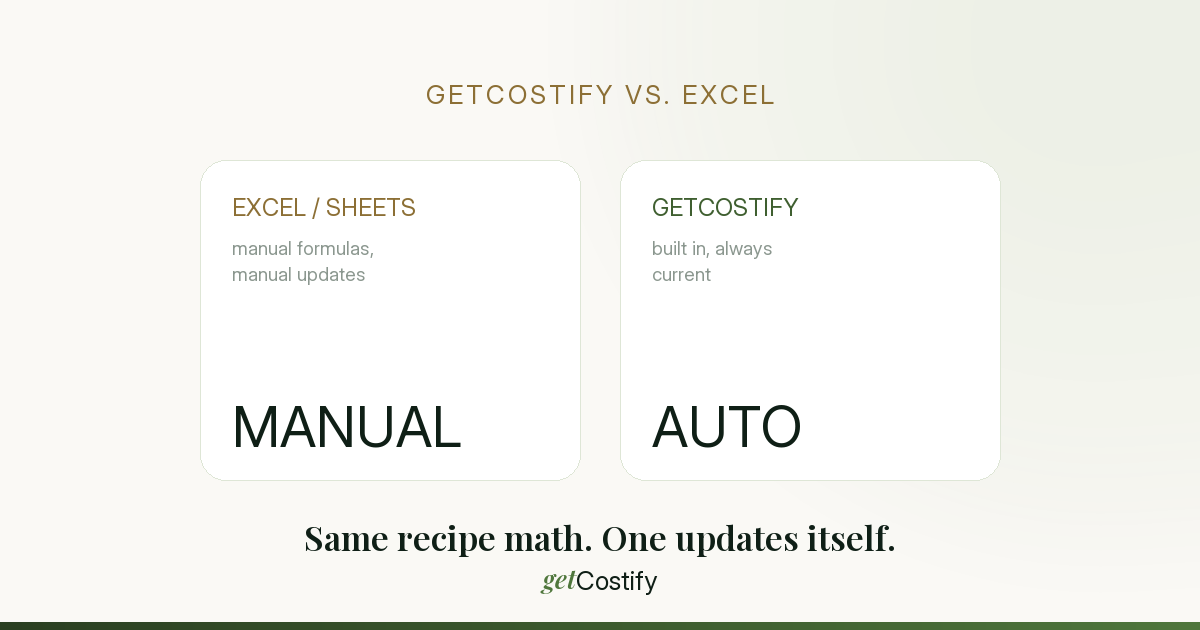
A spreadsheet can absolutely cost a recipe. Most of us started exactly there — a grid of ingredients, a few VLOOKUPs, a price at the bottom.
The honest question isn't "can Excel do this" — it can. It's whether it's still the right tool once you have more than a handful of recipes, more than one person touching the file, and prices that don't stay still. Here's where a spreadsheet holds up, where it quietly starts costing you money, and where a dedicated tool like GetCostify earns its keep.
Side by side
| Where it matters | GetCostify | Excel / Google Sheets |
|---|---|---|
| Getting started | Ready instantly — fields, formulas, and ingredient links are already built. | Takes real time — you build the structure and write the formulas (VLOOKUP, SUMIFS) yourself. |
| Formula errors | None to worry about — the calculation logic is built into the tool itself. | One misplaced click or a broken reference can quietly wreck every price on the menu. |
| Yield / loss % | Set once on the ingredient, recalculates net cost across every recipe automatically. | Needs extra "gross/net" columns bolted onto every sheet that uses that ingredient. |
| On your phone | Built for it — enter a price change at the counter or in the kitchen. | Awkward — big grids mean constant zooming and tiny cell taps. |
| "What price hits my target margin?" | A slider — drag your target margin, see the price instantly. | Manual — hunting for the number via Goal Seek, one cell at a time. |
| Mixed units (ml, l, oz, g, kg) | Native unit conversion, switches in one click. | Manual conversion logic every time a recipe mixes volume and weight. |
Where Excel is genuinely still fine
To be fair to the spreadsheet: if you have a handful of recipes, you're the only person who ever opens the file, and your supplier prices barely move, a well-built sheet will serve you for a long time with zero problems. The trouble almost never shows up on day one — it shows up six months and forty recipes later, when nobody fully remembers which cell feeds which formula anymore.
The real risk isn't the math — it's the maintenance
A spreadsheet is a blank canvas. Every formula, every dropdown, every safeguard against a typo is something you had to think of and build — and every time a supplier changes a price or you add a new ingredient, you're the one responsible for updating every recipe that touches it, by hand, correctly, every time. Skip one, and that recipe is now silently priced against a cost that no longer exists.
GetCostify is the opposite starting point: the structure, the formulas, and the safeguards are already there. Update one ingredient's price once, and every recipe using it recalculates on its own — nothing to remember, nothing to break.
Try it on your own numbers
The free plan covers up to 15 ingredients and 3 recipes — enough to genuinely compare it against whatever you're using today, no card required. Start free on GetCostify.
Related reading
Recipe Costing 101: From Ingredients to a Sellable Price
A step-by-step walkthrough, with a worked example and the one step most spreadsheets skip.
How to Calculate Food Cost Percentage (With Formula)
The exact formula, a worked example, and the mistake that quietly throws the number off.
The Small Pricing Mistake That's Costing You Thousands a Year
A €1 gap between your price and your target margin, multiplied across a year.